Webmail (SimpliMail)
Read and write emails in the browser: sign-in, folders, signature, out-of-office reply, filters and webmail as an app on your phone

With SimpliMail you use your mailbox right in the browser, without setting anything up. You see the same emails and folders as in your email app, as long as it is connected via IMAP (see Overview).
Sign in
Open webmail
Open webmail.simpliserv.app. If your company has its own webmail address such as webmail.your-company.com, that works too.
Enter your login details
Enter your full email address under Email and your Password below it. Click Sign in.
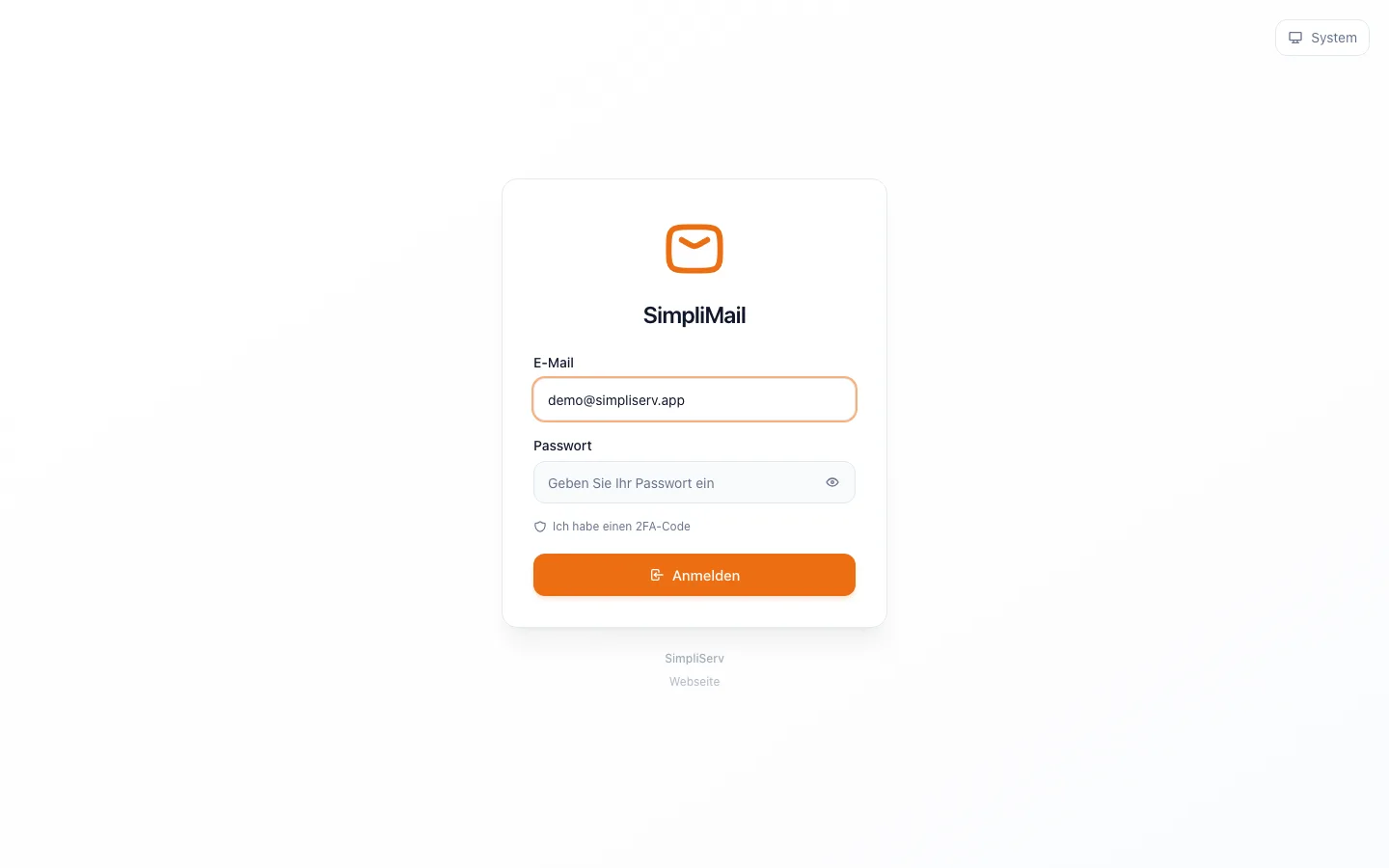
Two-factor code (if set up)
If you have turned on two-step sign-in, click I have a 2FA code and enter the code from your authenticator app.
The inbox
On the left are your folders (Inbox, Drafts, Sent, Spam, Trash and your own folders) and tags, in the middle the list of emails, on the right the open message. On the far left you switch between mail, calendar, contacts and settings.
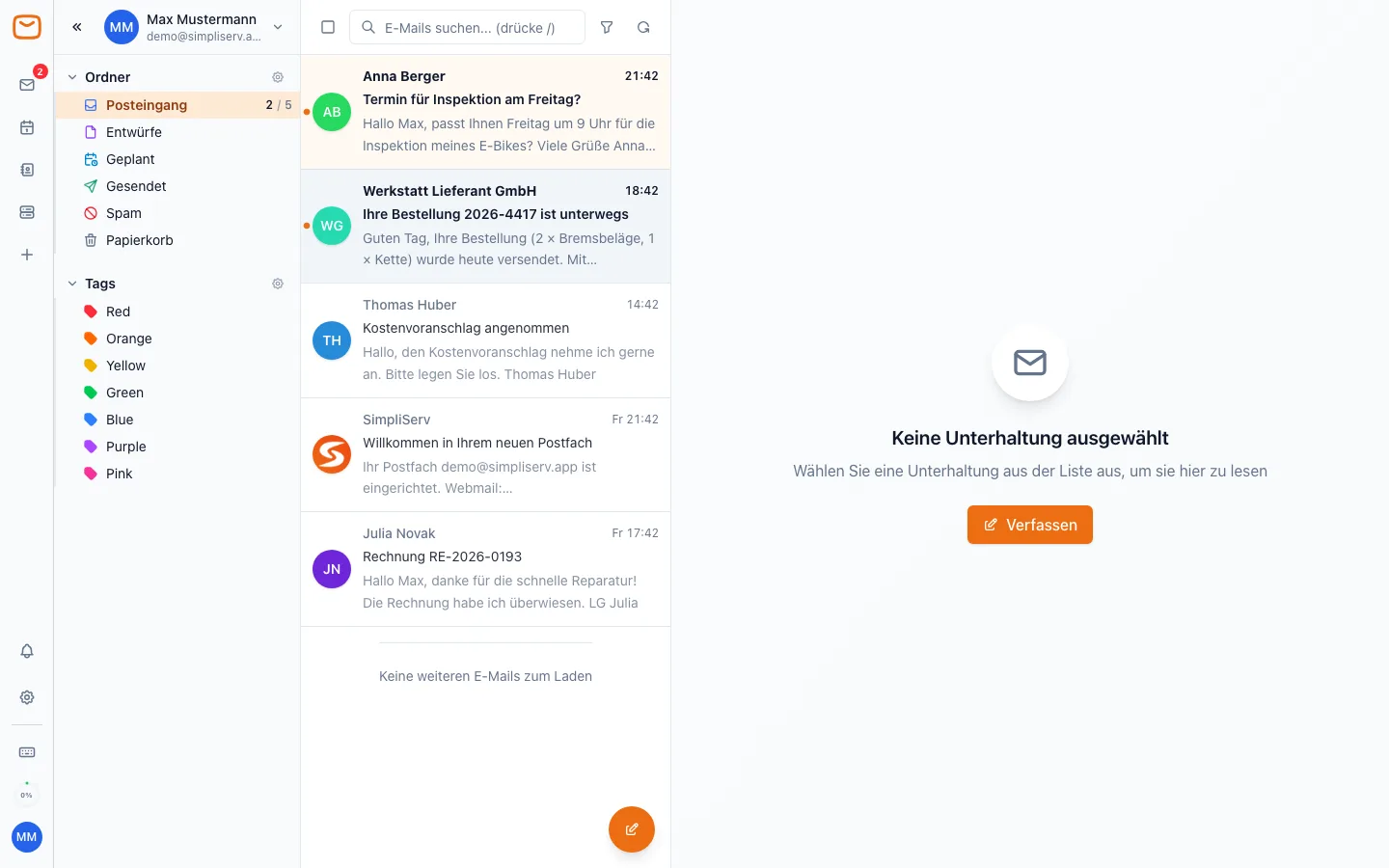
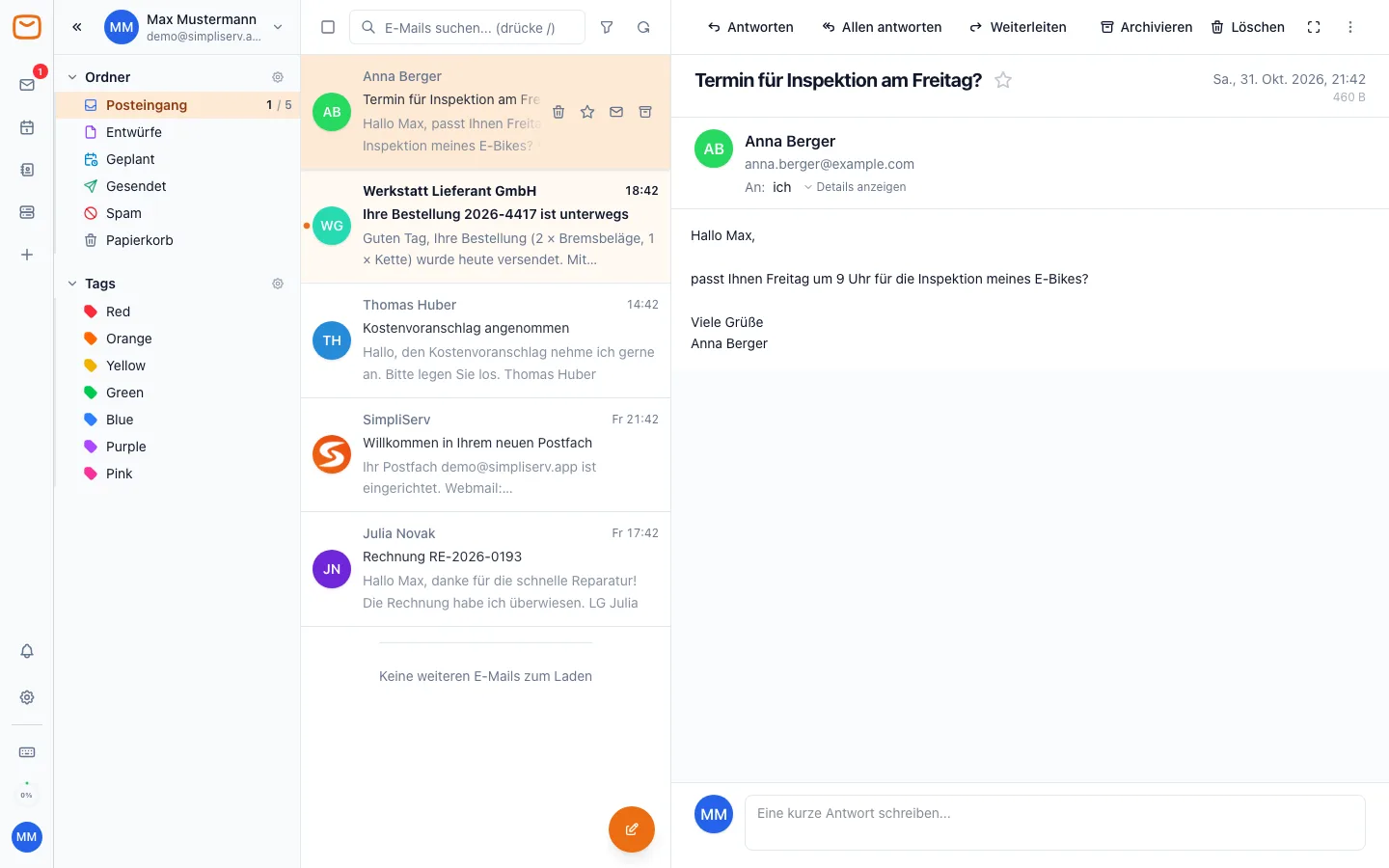
- Read: click an email. At the top you'll find Reply, Reply all, Forward, Archive and Delete.
- Search: the search field above the list searches all emails; the
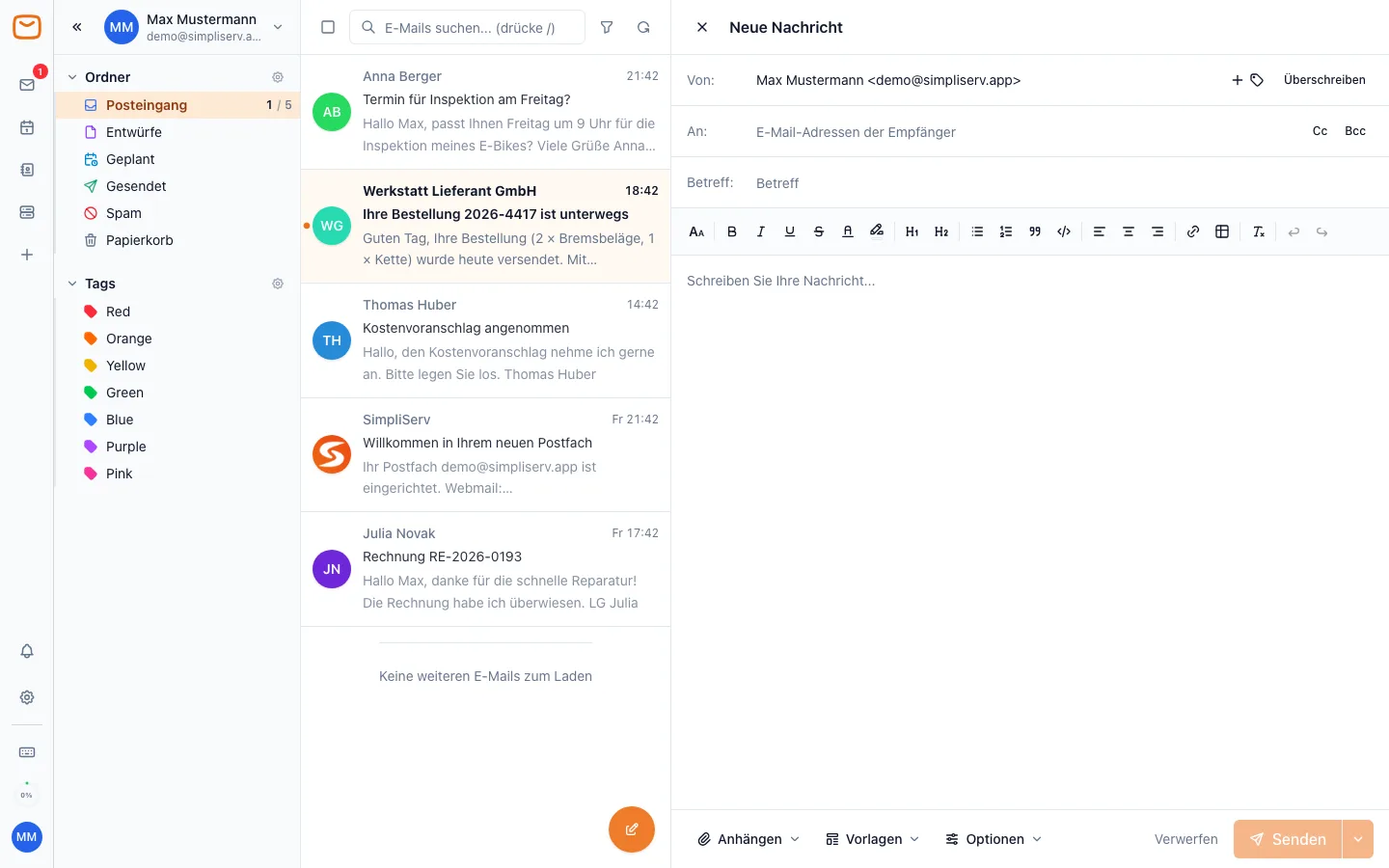
/key jumps straight into it. - Write: the Compose button (or the
ckey) opens a new message with formatting, attachments and templates. The arrow next to Send lets you schedule the message for later.
Signature and sender name
Under Settings → Identities you set the name you send with and store your signature. Click Manage identities, choose your address and enter your name and signature.
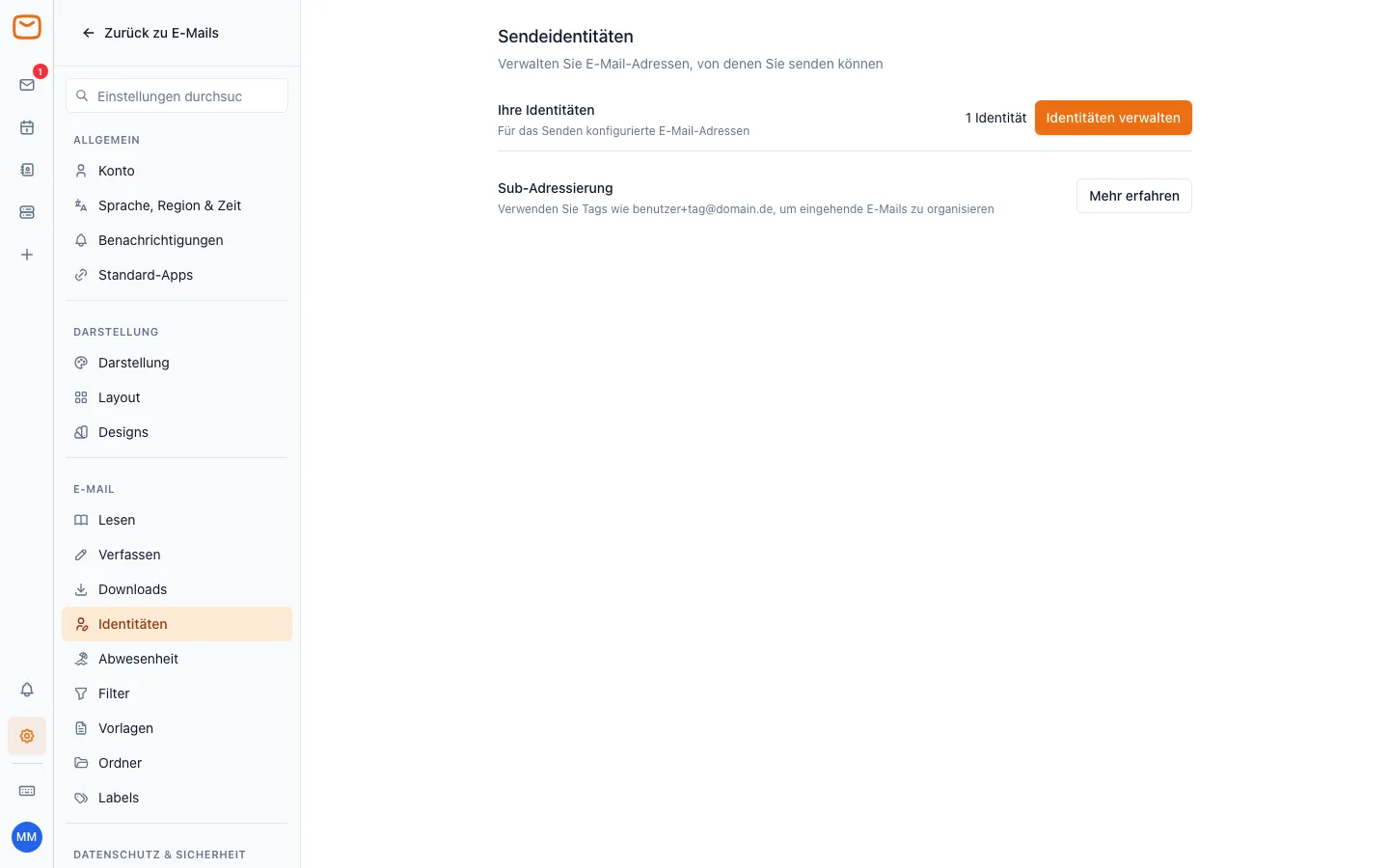
The webmail signature only applies in webmail. On your phone and in Outlook you create it again in that app.
Out-of-office reply
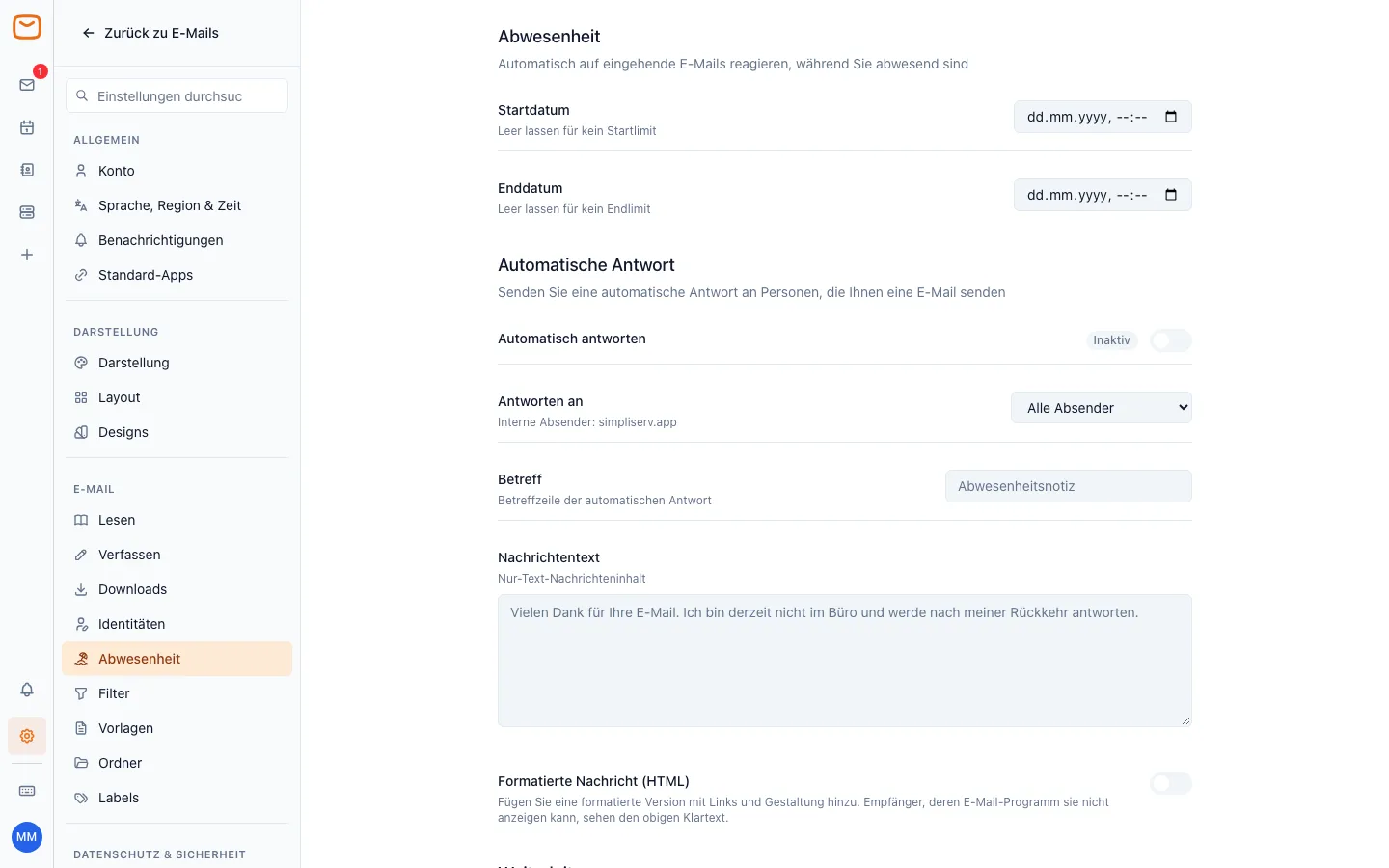
Under Settings → Vacation turn on the auto-reply, optionally choose a start date and end date, and write the subject and message. The server sends the reply – so it keeps working even when no device is switched on.
Filters
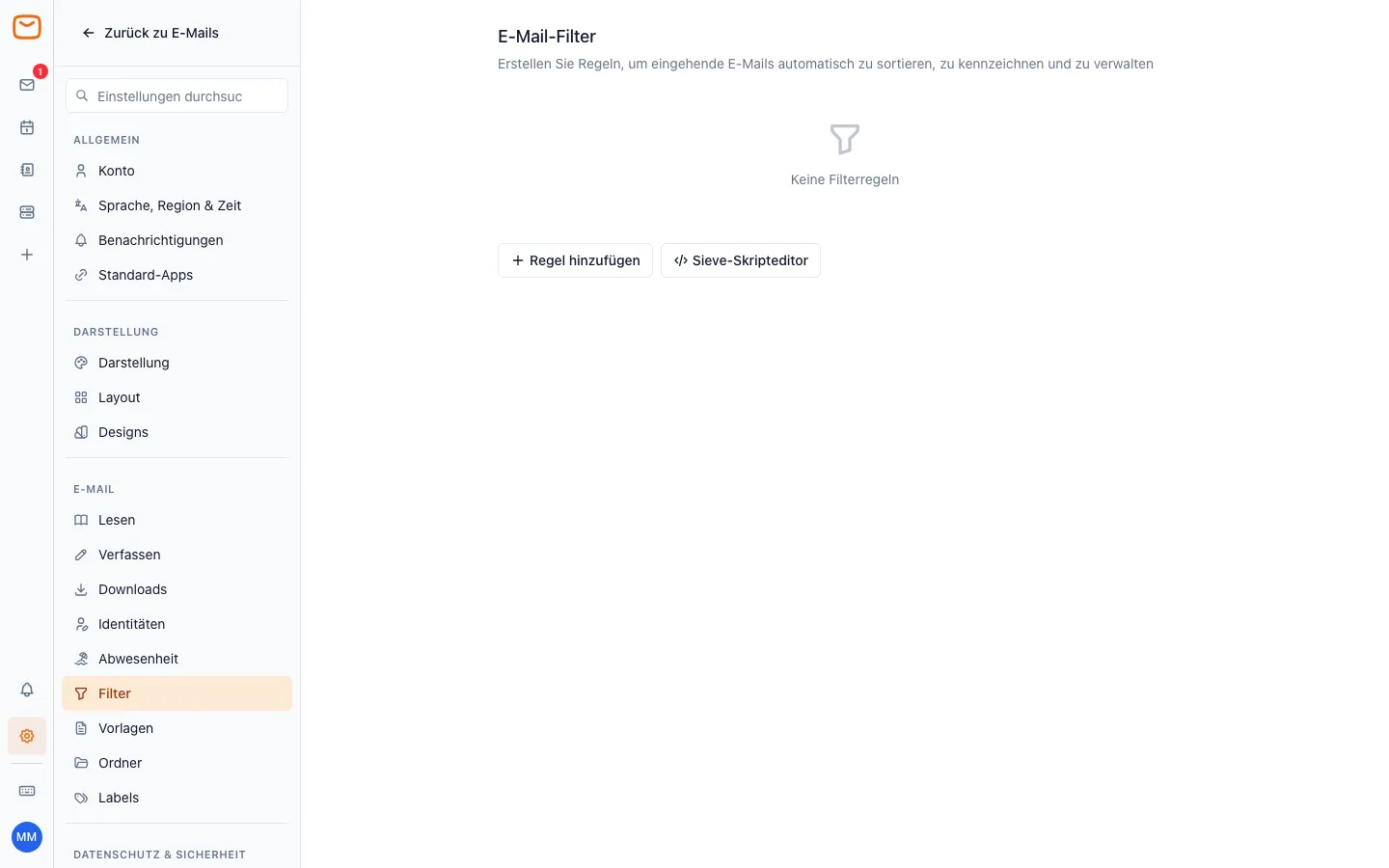
Under Settings → Filters, Add rule sorts incoming emails automatically, e.g. all messages from one supplier into their own folder. Filters run on the server and therefore apply on every device.
Webmail as an app on your phone
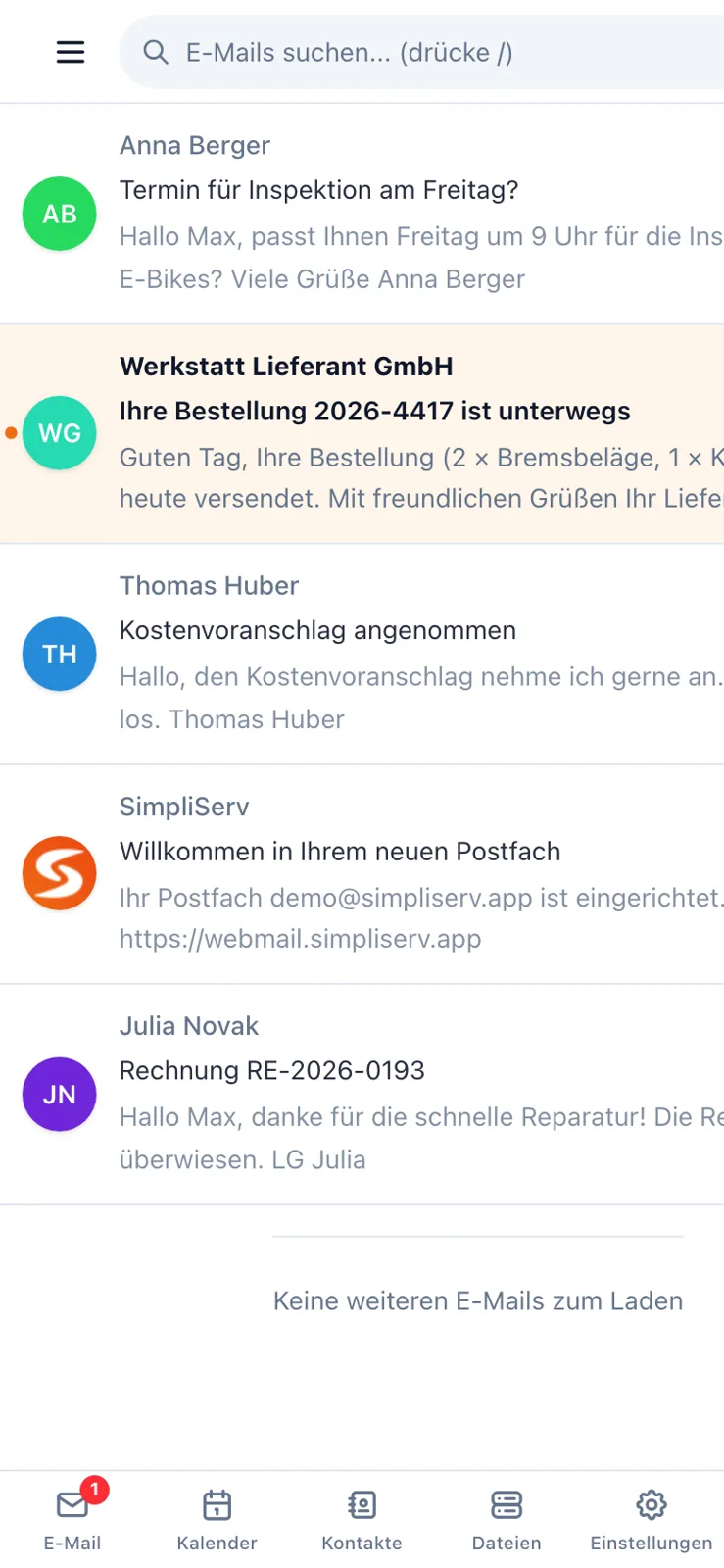
SimpliMail also works in your phone's browser. To make it open like an app:
- iPhone (Safari): Share icon → Add to Home Screen.
- Android (Chrome): menu ⋮ → Add to Home screen or Install app.
For notifications about new emails, an email app is usually more convenient: iPhone & iPad, Gmail app or Samsung Email.
More settings
- Account: display name, email address and further signed-in accounts (Add account if you have several mailboxes).
- Appearance and Themes: light, dark, font size, list density.
- Folders and Labels: create your own folders and tags.
Password, two-factor and app passwords
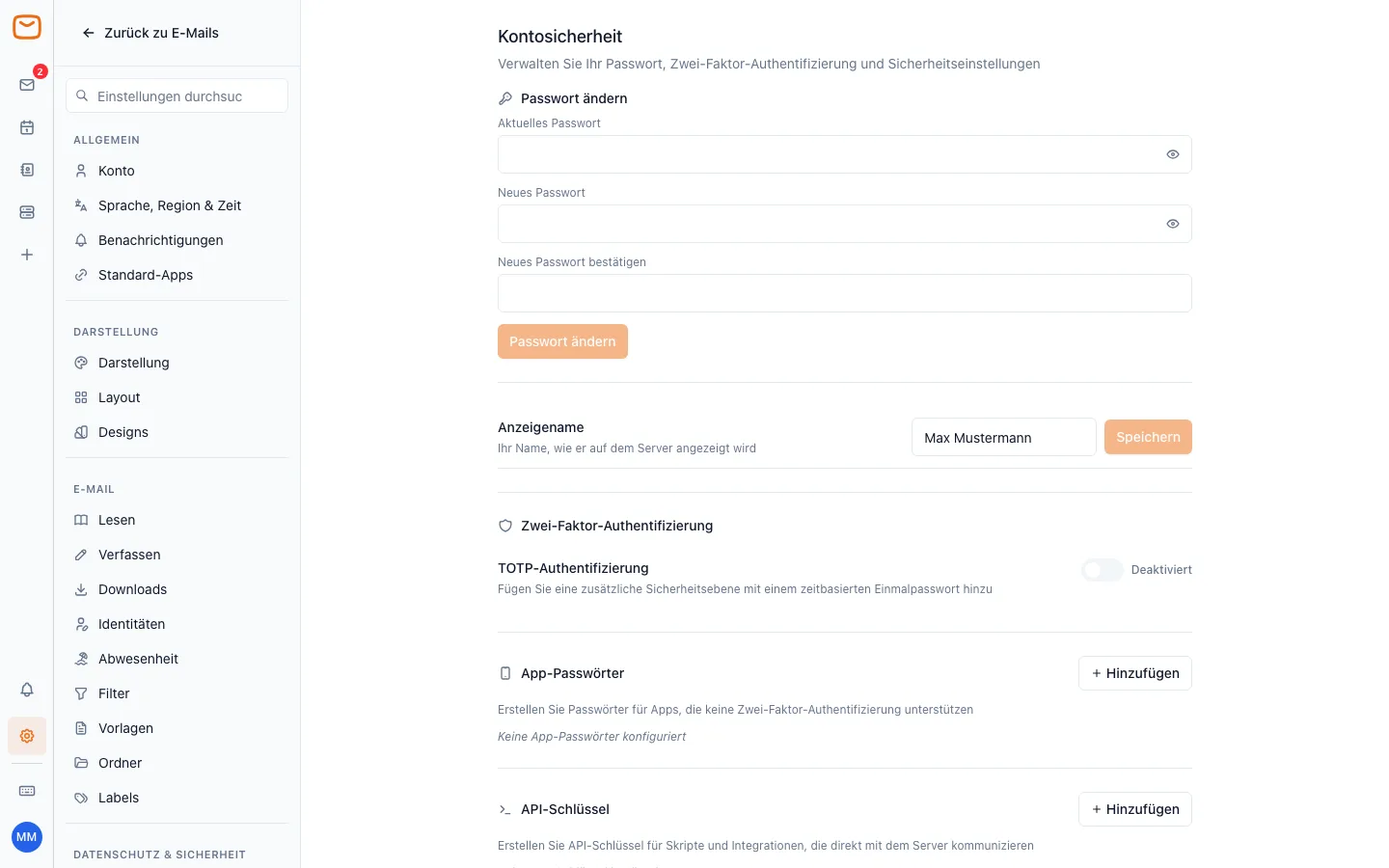
Under Settings → Security (section Account security):
- Change password: current password, new password twice, then Change password. Afterwards you have to enter the new password in every email app, otherwise it keeps asking for it.
- Two-factor authentication: turn on TOTP authentication and scan the QR code with an authenticator app (e.g. Google Authenticator, Microsoft Authenticator). From then on webmail also asks for the code when you sign in.
- App passwords: once two-factor sign-in is active, email apps (iPhone, Outlook, Gmail app …) can't ask for a code. Use Add to create a separate app password for each device (e.g. "iPhone Mail"), copy it right away – it is shown only once – and enter it in the app instead of your normal password. To lock out a lost device, just delete its app password.
Forgot your password? Your company's admin resets it in SimpliServ (see Email for admins).
Sign out
Click your initials at the bottom left and choose Sign out of … – especially on other people's or shared computers.
Related topics
How is this guide?
Email mailbox: overview
Your email mailbox at SimpliServ: in the browser via webmail, in any email app, moving from your old provider and help with problems
Set up an email app
Login details for every email app, why you use IMAP instead of POP3 and the guides for iPhone, Mac, Outlook, Gmail, Samsung and Thunderbird